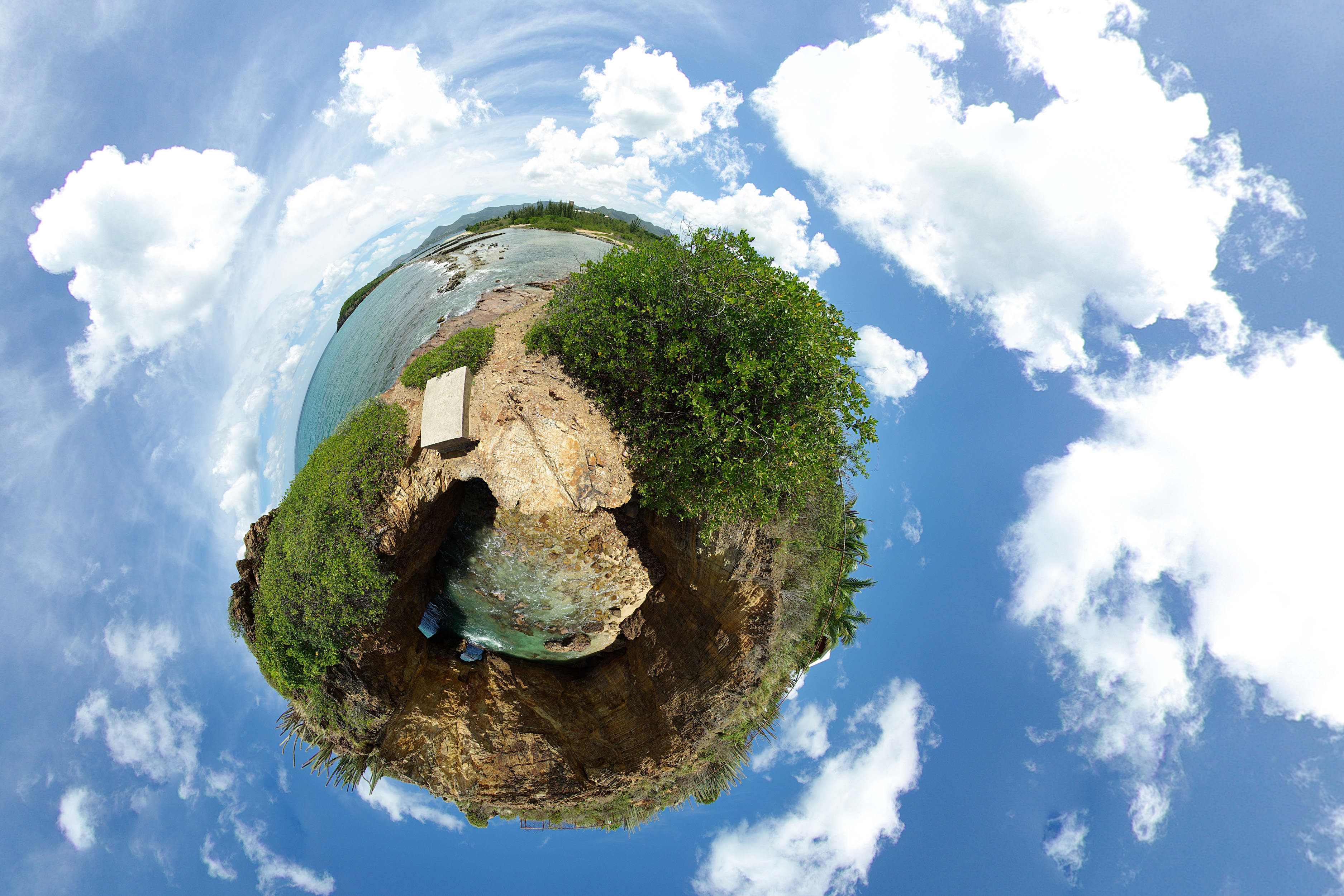
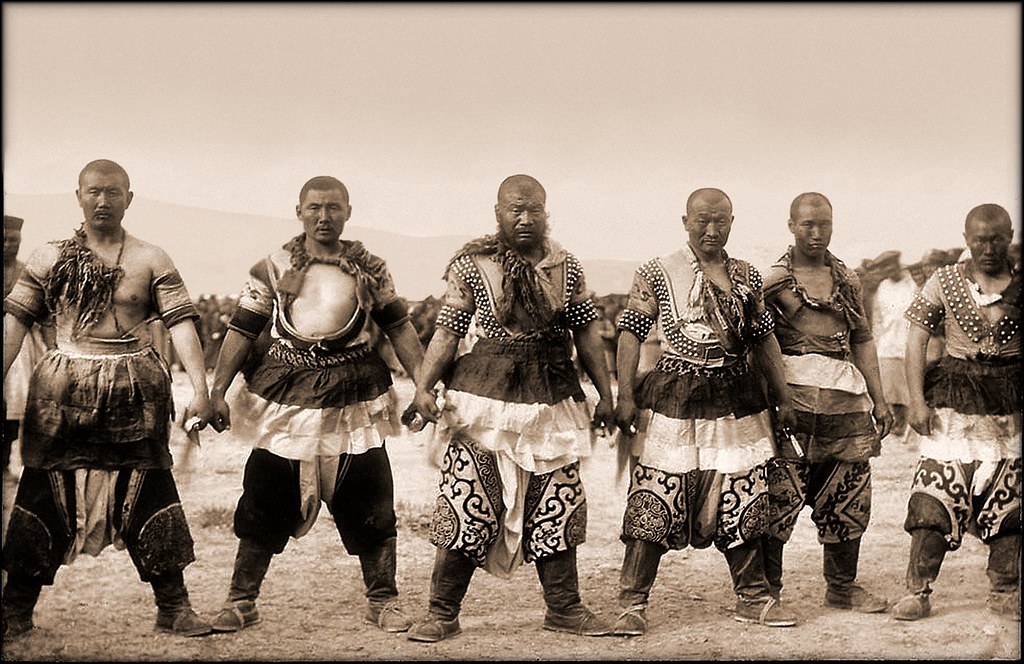
http://static.boredpanda.com/blog/wp-content/uuuploads/powerful-photos/powerful-photos-28.jpg
Here is my Power of Photography assignment.
Time to create your term 2 portfolio. In a google side deck please include samples of the following
Typography
Black and White
Panorama
Photo Messy
Macro Photography
Maximum 15 slides.
In the V drive you need to have the following
Black and White
Macro Guess What Thats What
Panorama
Photo Messy
In the V Drive all sports photographs need to be included under their sport. Make sure each photo has a name not a number.
All Movies need to be created and saved to a USB Stick. I will provide the Memory Stick.
Enjoy working today. All of this is due by Thursday. Welcome to the next section of your course.
Harbeck
Jr' High Playground Panorama
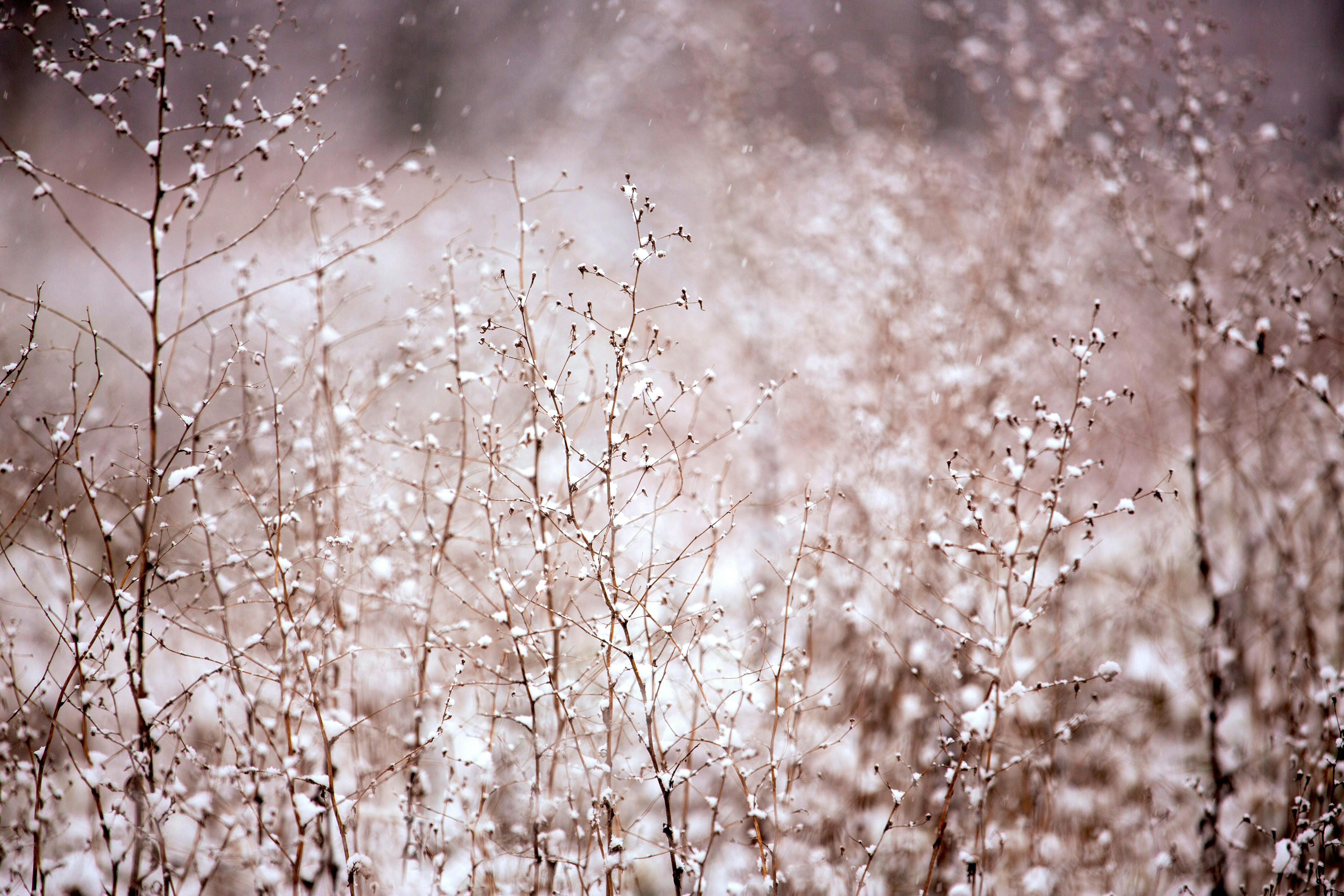
For this Panorama, I used the reception effect on Photoshop Elements 12. I like this one the best out of the three because I like how the play structure is there with the snow on the ground and the trees combining with the sky. It looks like its filtered but its not. The sky at the time I took this picture was pretty good and it added contrast to the picture. But what's disappointing is that, only two pictures worked when it was merged and I didn't like how the other Panorama categories merge the pictures. Only the reception effect worked for me.
Pictures I used to create this Panorama :
Dominion/Downing Street Panorama
For this Panorama I used the Spherical effect and It came out well when I filled in the sides it didn't have any imperfections. I just don't like how it looked tilted and the road kind of ruined the picture.
Pictures I used to create this Panorama :
Sargent Park Panorama
(CYLINDRICAL)
(AUTO)
(SPHERICAL)
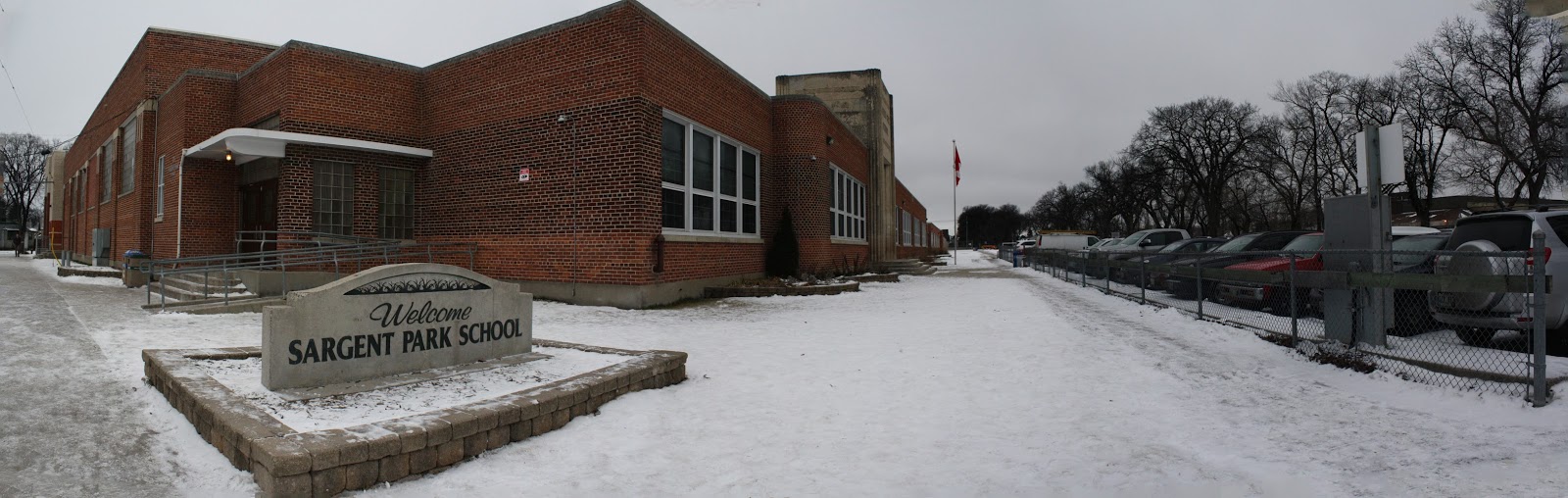
For this Panorama, I used three panorama categories. Cylindrical, Auto and Spherical. I don't think it made a lot of difference changing the effect. The only thing I think changed is the direction of the picture as you can see above, the spherical effect look much different than the auto and cylindrical one. The Sargent Park rock and the building look farther even though I cropped it to hide the bad stuff when it was filled in. While the auto effect looks like a normal panorama that you can do with your phone, it's lined up and the cylindrical one I don't really know how to explain it. It looks like it bulged up or it's like a spherical and auto effect combined. By the way I filled in all of it and it looks okay. I just had to crop the last one but just a little bit to remove the imperfections.
Pictures I used to create this Panorama :
Here are my Panorama in three different ways:
Here are the photo's I used to make these Panorama's:
In these's three panoramas, I used the same three photo's to make three different panoramas. In my first panorama, I chose the auto option for the layout and cropped the photo to make it better. In my second panorama, I chose the spherical option for the layout and this time I did not crop it. In my third panorama, I chose the perspective option for the layout and this time I also did not crop it. To make these photo's I used a tripod and a camera, I turned the tripod slowly each time and captured three or four photos, then I went into Photoshop Elements and clicked the panorama option to create these panoramas.
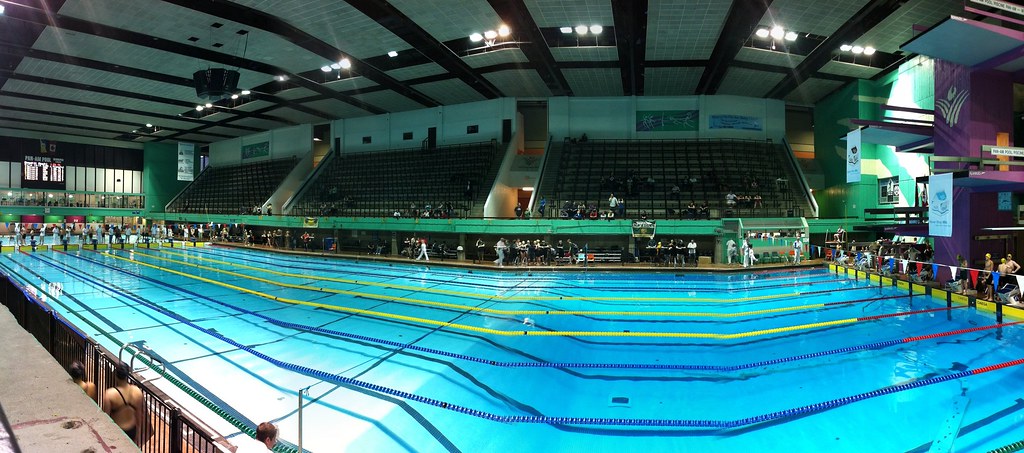
While I have some of your classmates at the pool you have work to do. If the weather cooperates take a second round of photographs for your panorama. Do not leave the school grounds or try to make one inside the school.
Using your origional or new photographs in Photoshop Elements you should try the different types of Panoramas offered. See which one fits your photos the best. It will take time for them to render. Go slow enjoy the progress bar as it makes your photos great.
Cameras need to be returned to Graphics at the end of the class. Tripods should be put in my room where they always are stored.
This is my final product of my Photomerge Scene Cleaner.
As you see above in my final product, I had to merged 4 photos together to make a scene cleaner. To make this photo I used Photoshop Elements. In this photo, I was trying to show/ tell a story. The story I was trying to portray in this photo, was to how a student/ or teacher takes to picking the right book to read. It takes a large or little amount of time to choose the book that fits your taste. To make this photo merge I used a tripod and take 4 different photos and put them all into one using Photoshop Elements.
Here are three photo's I used to make the final product:
Here is the note I sent out today.
There are opportunities for students to participate helping stream and create movies at the Pan Am Pool this weekend (December 10 to 13). Students will be videotaping and filming the Prairie Winter International Swim Meet. This is a volunteer event. Students will use this meet as a learning experience. They will learn video editing, work in iMovie and communication skills. If you would like your son or daughter to participate in this event please sign the form below. Fill in the slot where the student can participate. Students will be fed and looked after at the pool. Transportation to the pool for evening shifts would be beneficial but not mandatory.
Session 1 Thursday 12:00 to 6:00 (Dec 10)
Student 1 ____________________
Student 2 ____________________
Student 3 ____________________
Student 4 ____________________
|
|
Session 3 Friday 7:30AM to 12:00PM
(Dec 11)
Student 1 ____________________
Student 2 ____________________
Student 3 ____________________
Student 4 ____________________
|
Session 2 Friday 5:00 to 8:30
(Dec 11)
Student 1 ____________________
Student 2 ____________________
Student 3 ____________________
Student 4 ____________________
|
Session 4 Saturday 7:30AM to 1:30
(Dec 12)
Student 1 ________________
Student 2 _______________
Student 3 _______________
Student 4 ____________________
|
Session 5 Saturday 5:00 to 8:30
(Dec 12)
Student 1 _______________
Student 2 _______________
Student 3 _________________
Student 4 _______________
|
Session 6 Sunday 7:30 to 1:30
(Dec 13)
Student 1 ___________________
Student 2 __________________
Student 3 ___________________
Student 4 ____________________
|
Session 7 Sunday 5:30 to 8:30
(Dec 13)
Student 1 ____________________
Student 2 ____________________
Student 3 _________________
Student 4 _________________
|
I understand that my son or daughter _______________________ will be working at the Prairie Winter International Swim Meet at the Pan Am Pool on a date between December 11 and December 14nd .
___________________________ Parent or Guardian.
Since Karl is almost perfect we can make him better using the powerful program Adobe Photoshop Elements.
Before
After
In your file folder on the V-drive you should have 40 photos,
- 10 original
- 10 cropped to 16 by 9
- 10 original with Photoshop edits
- 10 Photoshop then cropped to 16 by 9
- Each has to have a different name (Karl, Karl cropped, KarlPS, KarlPScropped)
Please watch the video below. You need to become an expert in all of them. Use your photos and change them in Photoshop Elements. More videos can be found at Adobe TV
https://c2.staticflickr.com/6/5042/14081199013_d63471e1bb.jpg
Straighten Photos
https://c1.staticflickr.com/1/20/72836153_e8e26b5bab.jpg
Guided Edits in Photoshop
https://c2.staticflickr.com/4/3256/2597140946_127facbe3f_b.jpg
Recompose
https://c1.staticflickr.com/1/211/478202117_86e0f15616_b.jpg
Great Crops
https://c1.staticflickr.com/3/2767/4103472637_63d2f07ab1_b.jpg
Tonal Corrections with auto smart
Be prepared to lead the class through your favorite Photoshop edit.
Here is the proceedure on how your assignments will be marked. Please make sure you have all your t's crossed and i's dotted before the end of the week.
Shots and Angles
Post has
labels (5)
title(5)
picture cited(5)
embedded google slide deck that is public(5)
Slide Deck has
Has the right amount of slides(5)
Photos have references(10)
Photos are maximized on the slide (10
Your photo fits the criteria being shown.(20)
Definition slide uses text creatively not just Arial font (10)
Extra effort (5)
Total 80
Cropping
Post has
labels (5)
title(5)
uses a picture and cited if necessary(5)
embedded google slide deck that is public(5)
Slide Deck has
5 images (10)
5 cropped images (15)
title slide(5)
Extra (5)
Total 55
Here is your second assignment. In a new Google Presentation choose 5 photos that you consider to be some of your best. Watch the video above and use Photoshop Elements to crop your pictures to improve what you are capturing.
Post this at the blog. Your blog post should have an image, the slide presentation and the following labels and title
- Title Harbeck's Cropping in Elements
- Labels Elements, cropping, Harbeck, or Mandziuk
Make sure your presentation is public.
This is due VERY Soon