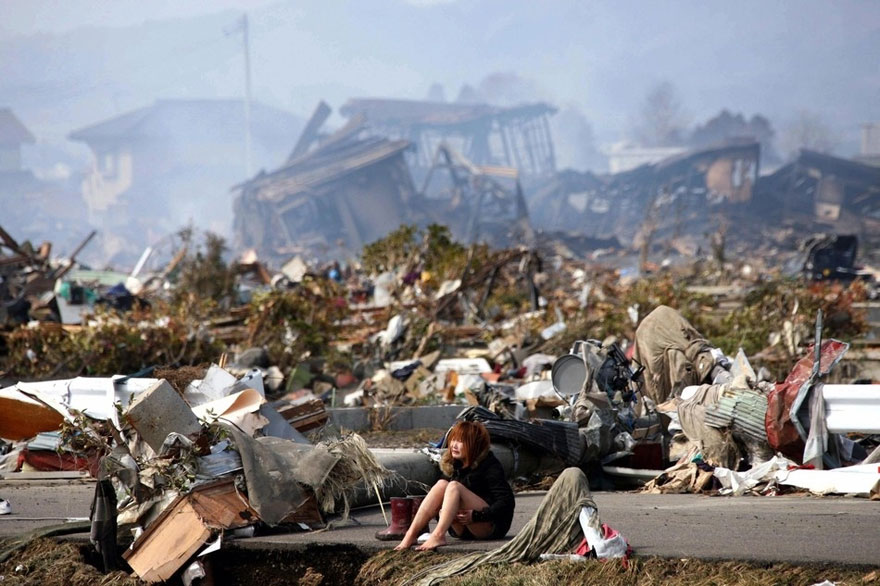
http://static.boredpanda.com/blog/wp-content/uuuploads/powerful-photos/powerful-photos-30.jpg
To take a photo like this, you need to have a background that doesn't
move and then have your model move around. You have make sure that your model keeps in
mind that they have to make sure that they don't overlap with the other
photos. Making this type of photo is so much easier. You'll need Photoshop
Elements 11, 12, 13, or 14 doesn't really matter. Look for the Photomerge Tool, then select the Photomerge
SceneCleaner. This is under the Enhance section, but on Photoshop Elements 14 it was moved to be under Guided. Then Select your photos. Afterwards, it will give you a
pencil and an eraser tool. The pencil tool is for highlighting items for a photo, to be transferred to another photo. Once you're done, you can save it. You'll have
to save it as a .jpg file, so you can use the photo.
Some photo's I used:
Here is my Photoshop elements Assignment

https://static.pexels.com/photos/2324/skyline-buildings-new-york-skyscrapers.jpg
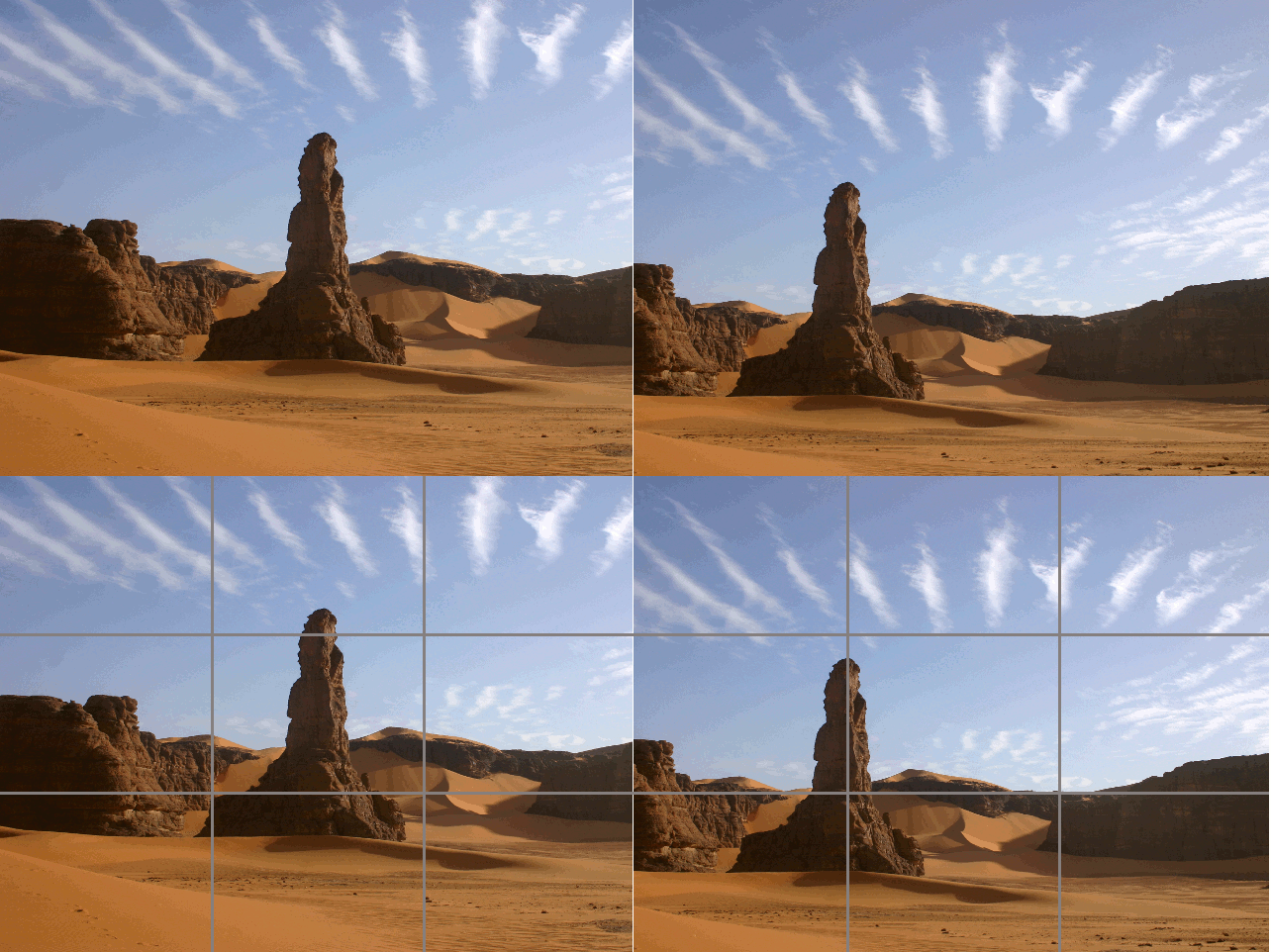
https://upload.wikimedia.org/wikipedia/commons/f/f0/RuleOfThirds-SideBySide.gif
Jojeff's CROPPING IN ELEMENTS Assignment
This is ma Shot and Angles Assignment
https://upload.wikimedia.org/wikipedia/commons/e/e8/Humayun's_Tomb_Angle_Shot.jpg