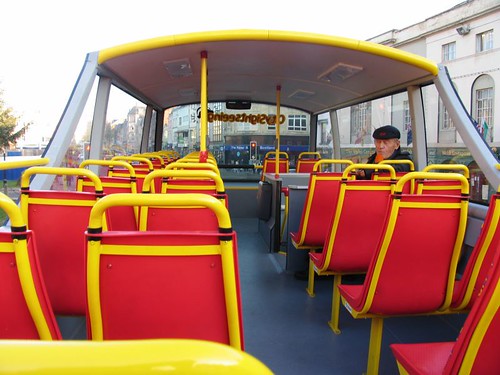
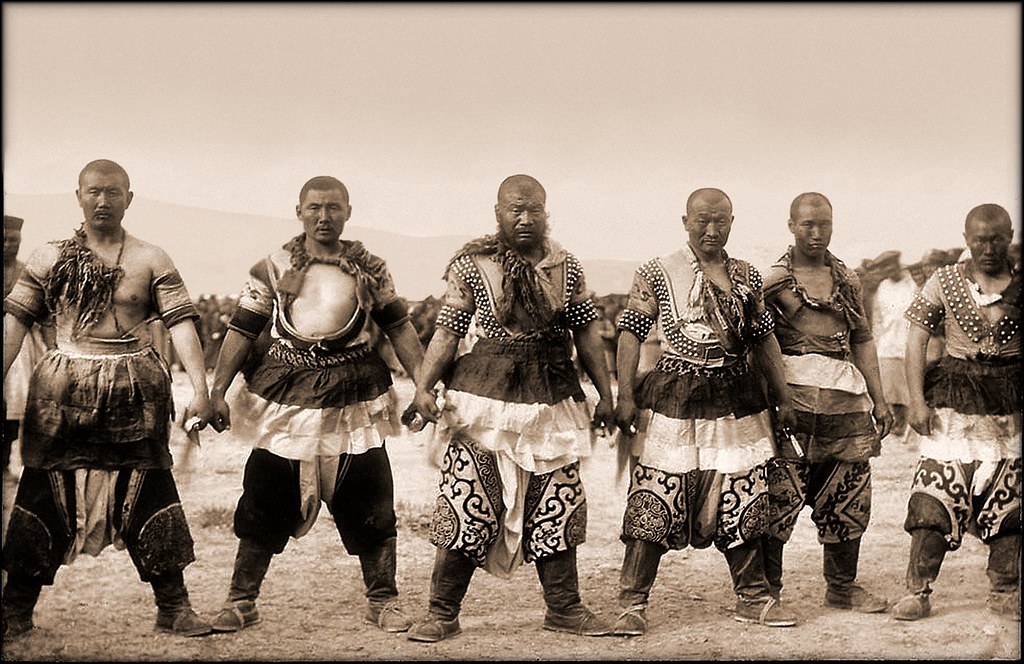
Since Karl is almost perfect we can make him better using the powerful program Adobe Photoshop Elements.
Before
After
In your file folder on the V-drive you should have 40 photos,
- 10 original
- 10 cropped to 16 by 9
- 10 original with Photoshop edits
- 10 Photoshop then cropped to 16 by 9
- Each has to have a different name (Karl, Karl cropped, KarlPS, KarlPScropped)
Please watch the video below. You need to become an expert in all of them. Use your photos and change them in Photoshop Elements. More videos can be found at Adobe TV
https://c2.staticflickr.com/6/5042/14081199013_d63471e1bb.jpg
Straighten Photos
https://c1.staticflickr.com/1/20/72836153_e8e26b5bab.jpg
Guided Edits in Photoshop
https://c2.staticflickr.com/4/3256/2597140946_127facbe3f_b.jpg
Recompose
https://c1.staticflickr.com/1/211/478202117_86e0f15616_b.jpg
Great Crops
https://c1.staticflickr.com/3/2767/4103472637_63d2f07ab1_b.jpg
Tonal Corrections with auto smart
Be prepared to lead the class through your favorite Photoshop edit.
 https://static.pexels.com/photos/4827/nature-forest-trees-fog.jpeg
This is my Photoshop Elements!
https://static.pexels.com/photos/4827/nature-forest-trees-fog.jpeg
This is my Photoshop Elements!